
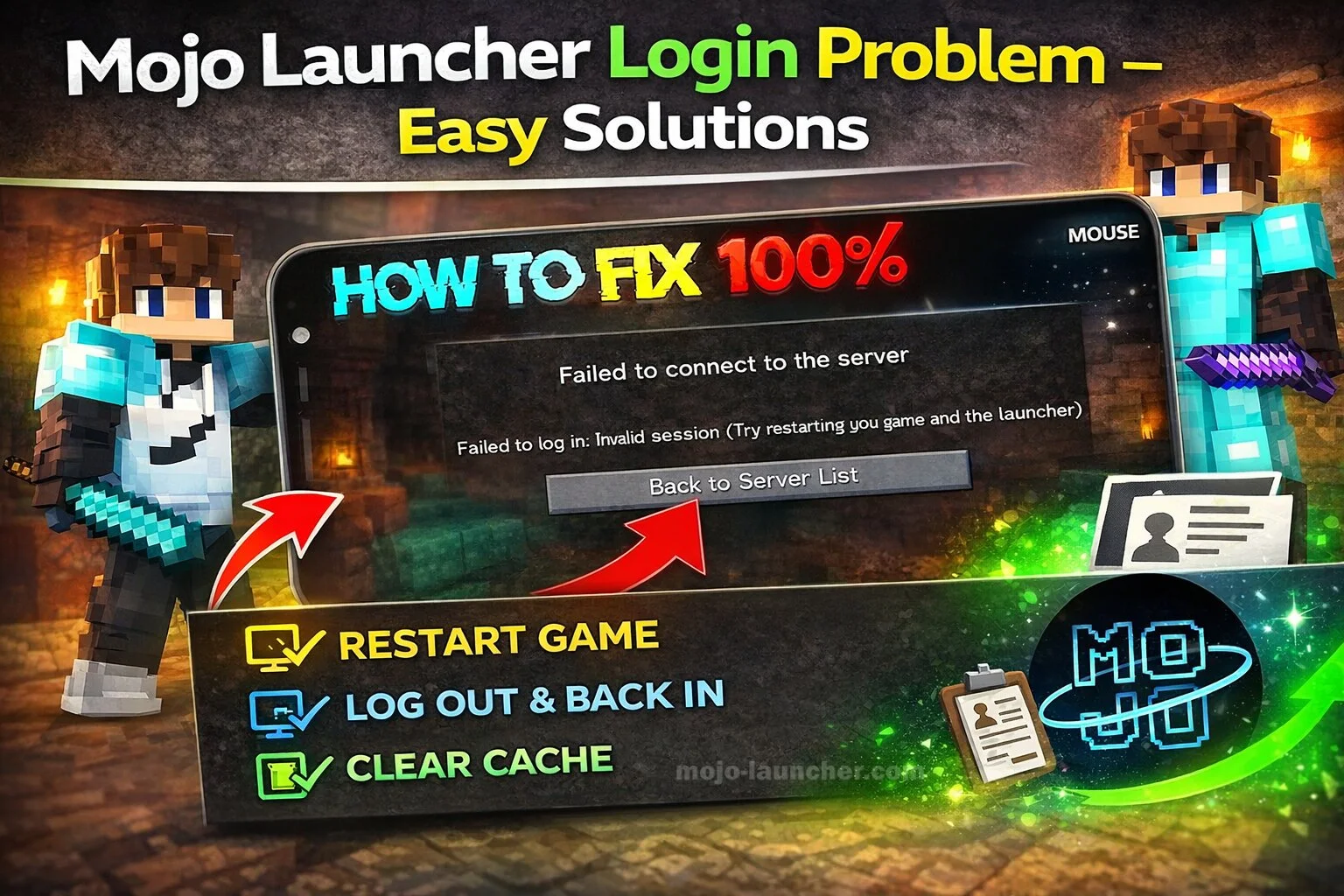
Many users occasionally experience login issues while using Mojo Launcher. These problems can prevent players from accessing Minecraft servers or launching their game profile.
If you are facing a Mojo Launcher login problem, do not worry. Most login issues are easy to fix with a few simple troubleshooting steps.
Common Reasons for Login Problems
Login problems can occur due to several reasons, including:
- Incorrect account credentials
- Internet connection problems
- Server issues
- Outdated launcher version
- Cache or data errors
Understanding the cause of the problem helps you solve it faster.
Also Read: Mojo Launcher Black Screen Problem Fix
Easy Solutions to Fix Mojo Launcher Login Problems
1. Check Your Internet Connection
A stable internet connection is required for login authentication.
Try these steps:
- Restart your Wi-Fi router
- Switch between Wi-Fi and mobile data
- Check if other apps can access the internet
2. Verify Account Credentials
Make sure you are entering the correct:
- Email address
- Username
- Password
If you forgot your password, reset it using the official Minecraft account recovery option.
3. Update Mojo Launcher
Using an outdated launcher version can cause login errors.
Download the latest version of Mojo Launcher and install it again.
4. Clear App Cache
Sometimes stored cache data can cause login issues.
To fix this:
- Open device Settings
- Go to Apps
- Select Mojo Launcher
- Tap Clear Cache
Restart the launcher afterward.
5. Check Server Status
If Minecraft authentication servers are down, login may fail temporarily.
Wait a few minutes and try logging in again.
Additional Troubleshooting Tips
- Restart your device
- Reinstall Mojo Launcher
- Disable VPN services
- Ensure your system date and time are correct
These steps often resolve unexpected login errors.
Conclusion
Login issues in Mojo Launcher can be frustrating, but they are usually easy to fix. By checking your internet connection, verifying account details, updating the launcher, and clearing cache files, you can quickly solve most login problems.
Following these solutions will help you return to your Minecraft gameplay without unnecessary delays.