
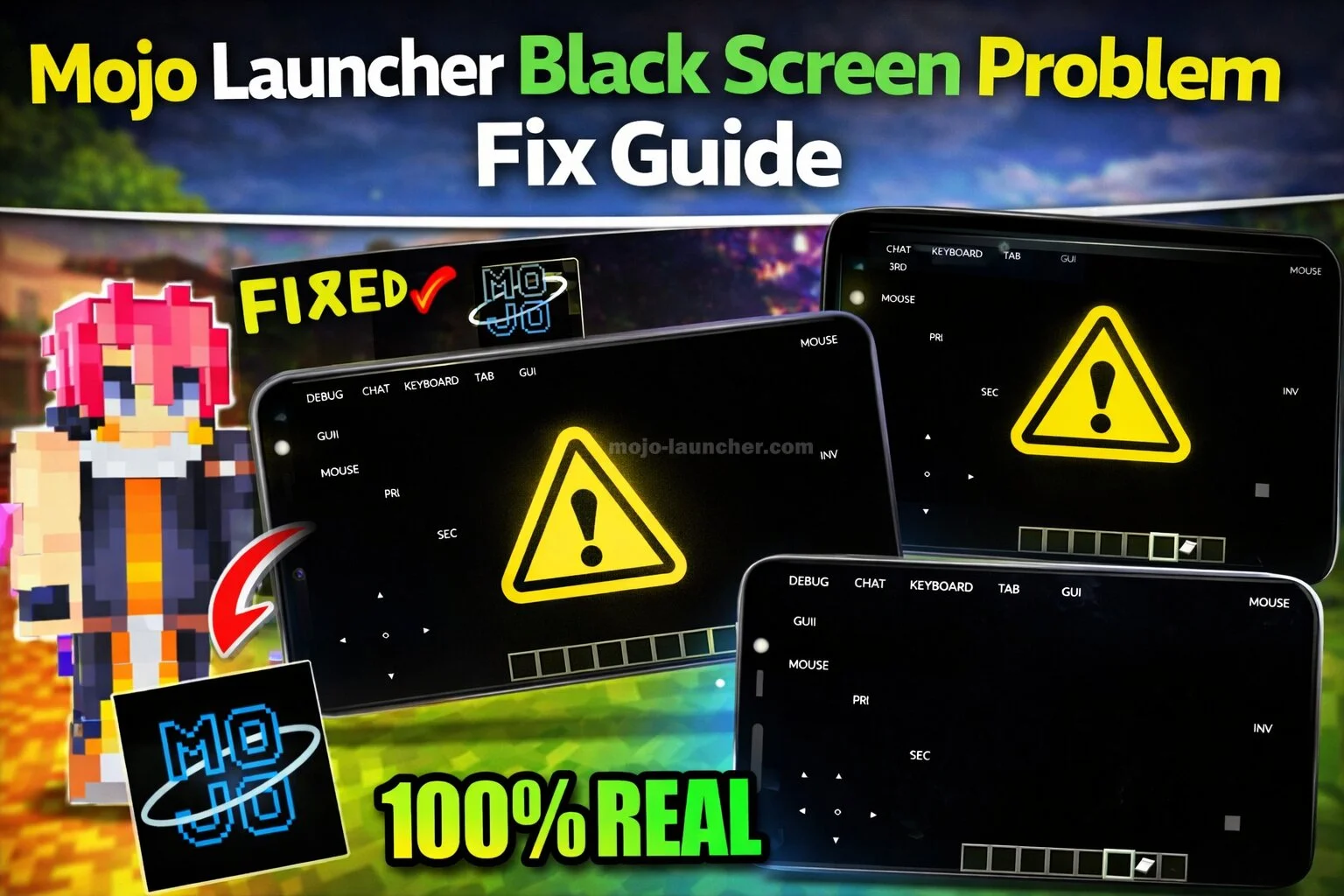
The black screen problem in Mojo Launcher is one of the most common issues players experience while launching Minecraft. Instead of loading the game normally, the screen remains blank or frozen.
Fortunately, this problem can usually be solved by adjusting settings or fixing configuration errors.
Why the Black Screen Problem Happens
Several factors may cause the black screen issue:
- Graphics incompatibility
- Incorrect Java settings
- Low device memory
- Corrupted game files
- Outdated launcher version
Identifying the cause helps determine the correct solution.
Also Read: Mojo Launcher Login Problem – Easy Solutions
Fix All Problems
All the solutions to the problems are provided here. Please refer to the solution that matches your specific problem and apply the necessary fix.
Fix 1: Restart Mojo Launcher
Sometimes a simple restart can fix temporary glitches.
Steps:
- Close Mojo Launcher completely
- Restart your device
- Open the launcher again
This often resolves minor loading issues.
Fix 2: Update Mojo Launcher
Running an outdated version can cause compatibility problems.
Download the latest version of Mojo Launcher to ensure better performance.
Fix 3: Adjust Graphics Settings
High graphics settings can overload weaker devices.
Try these changes:
- Reduce render distance
- Disable advanced graphics options
- Lower resolution settings
Fix 4: Reinstall Minecraft Files
Corrupted game files may also cause the black screen issue.
To fix this:
- Backup important data
- Remove the existing game files
- Reinstall Minecraft through Mojo Launcher
Fix 5: Allocate More RAM
If your device allows it, increasing RAM allocation can improve performance and prevent loading problems.
Conclusion
The black screen issue in Mojo Launcher usually occurs because of configuration errors or hardware limitations. Restarting the launcher, updating software, adjusting graphics settings, and reinstalling game files are effective ways to solve the problem.
With these solutions, most players can quickly restore normal gameplay.