
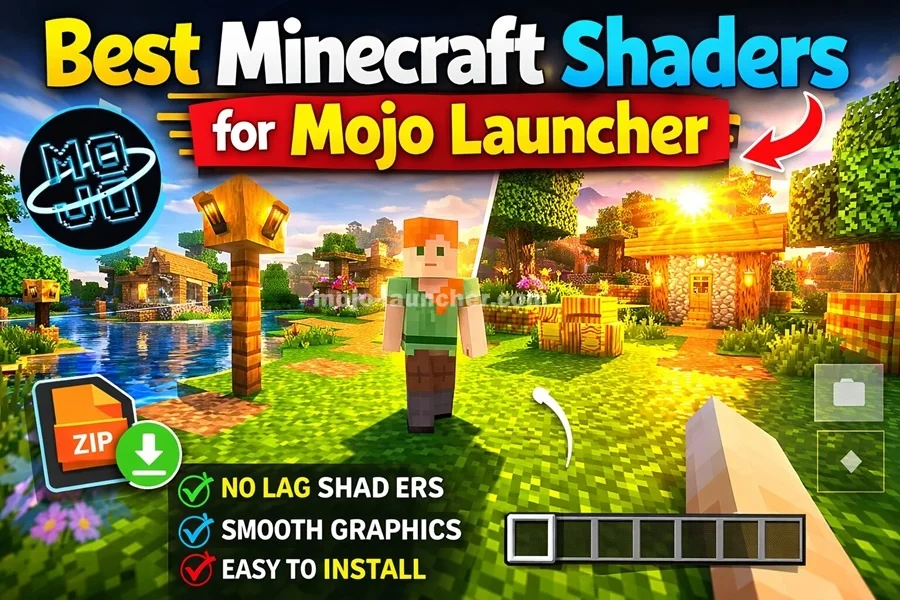
Shaders are one of the most popular ways to improve Minecraft graphics. They add realistic lighting, shadows, water reflections, and dynamic effects that make the game world look stunning. Players using Mojo Launcher can also install shaders to enhance visual quality.
In this guide, we will explore the best Minecraft shaders for Mojo Launcher and explain how they improve gameplay.
What Are Minecraft Shaders?
Shaders are special graphic modifications that enhance the visual effects in Minecraft. They can add features like:
- Realistic sunlight and shadows
- Water reflections
- Dynamic clouds
- Smooth lighting
- Advanced environmental effects
Shaders make Minecraft look more modern and immersive.
Also Read: Mojo Launcher Skins – How to Install & Change Skins
Best Shaders for Mojo Launcher
1. SEUS Shaders
SEUS (Sonic Ether’s Unbelievable Shaders) is one of the most famous shader packs in Minecraft.
Features include:
- High quality lighting
- Realistic shadows
- Detailed water effects
- Beautiful sky rendering
However, this shader requires a powerful device.
2. BSL Shaders
BSL Shaders are known for their balance between performance and quality.
Main features:
- Smooth lighting
- Vibrant colors
- Realistic water
- Improved shadows
This shader works well on mid-range devices.
3. Sildur’s Vibrant Shaders
Sildur’s shaders offer multiple versions for different hardware levels.
Benefits include:
- Bright environments
- Dynamic lighting
- Adjustable settings
- Better performance optimization
4. Chocapic13 Shaders
Chocapic13 shaders are lightweight and perfect for lower-end systems.
Features:
- Natural lighting
- Soft shadows
- Good performance
How to Install Shaders in Mojo Launcher
Follow these steps to install shaders:
- Download the shader pack
- Open Mojo Launcher
- Navigate to the shaderpacks folder
- Copy the shader file there
- Launch Minecraft
- Enable shaders in video settings
The shader will activate once selected.
Also Read: How to Download Mojo Launcher Controls
Performance Tips
Shaders can be demanding on hardware. To improve performance:
- Reduce render distance
- Lower shader settings
- Use lightweight shader packs
- Close other background apps
Conclusion
Shaders can completely transform the look of Minecraft by adding realistic graphics and lighting effects. If you are using Mojo Launcher, installing shaders is a great way to make your game world more immersive.
Choosing the right shader depends on your device performance. Lightweight shaders work well on weaker devices, while advanced shaders provide stunning visuals on powerful systems.